
Fashion and e-commerce
Clothing e-commerce website
Software modules for clothing retailers, from colour and size selection and fit recommendations to AI outfit previews and purchasing a whole look in one checkout.
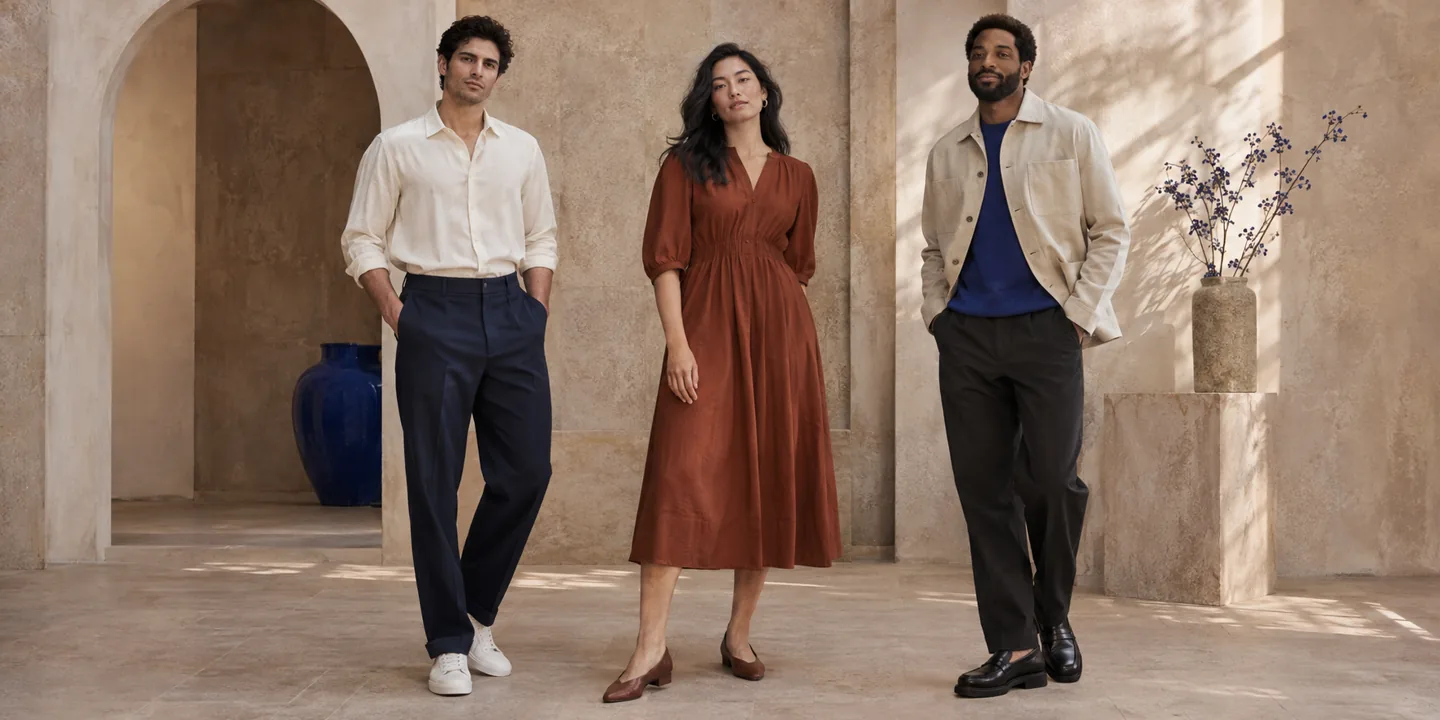
A shopper who likes a pair of trousers wants to know which colours are available in their size, how the trousers look with a shirt and shoes, and whether all the pieces can be bought together. Clothing e-commerce software can support those decisions by connecting product, size, inventory and order data.
Product catalogue, colours and sizes
Track each colour and size combination by SKU. When the navy shirt sells out in medium, other colours remain available. The gallery updates when a shopper changes colour, and text labels identify each swatch for customers who use screen readers or have difficulty distinguishing colours.
Product pages can show composition, stretch, cut, care instructions and garment measurements. Clothing pages can include product-specific size charts and measurement guides. Footwear pages can show size systems and foot-length guidance.
- Useful filters. Browse by category, colour, size, cut, fabric, occasion and availability in the chosen size.
- Catalogue tools. Manage collections, seasonal tags, colour-specific images, bulk data imports and size-chart templates.
- Restock notifications. Let shoppers request an alert for a particular colour and size.
Fit recommendations from body measurements
“Enter your measurements and find clothes that suit you.” A short guide helps shoppers enter relevant measurements and choose a preferred fit. Trousers may need waist, hip and inseam, shirts may use chest and shoulder, and footwear may use foot length. Centimetres and inches are converted to a consistent unit.
The module compares the measurements with product or brand size charts, fabric stretch and cut. If someone falls between sizes, it can explain which option may feel closer or more relaxed. When the suggested size is out of stock, the page can show similar products available in a suitable size.
Where confidence is low, the shopper can consult the size chart. Measurements are optional and can be used during the shopping session. A shopper may choose to save their fit profile for another visit.
- Product-specific sizing. Suggest one size for a pair of trousers and a different size for a garment with a different cut.
- Fit-aware search. Combine size recommendations with category, colour and availability filters.
- Feedback. Use optional fit feedback and size-related exchanges to review product rules.
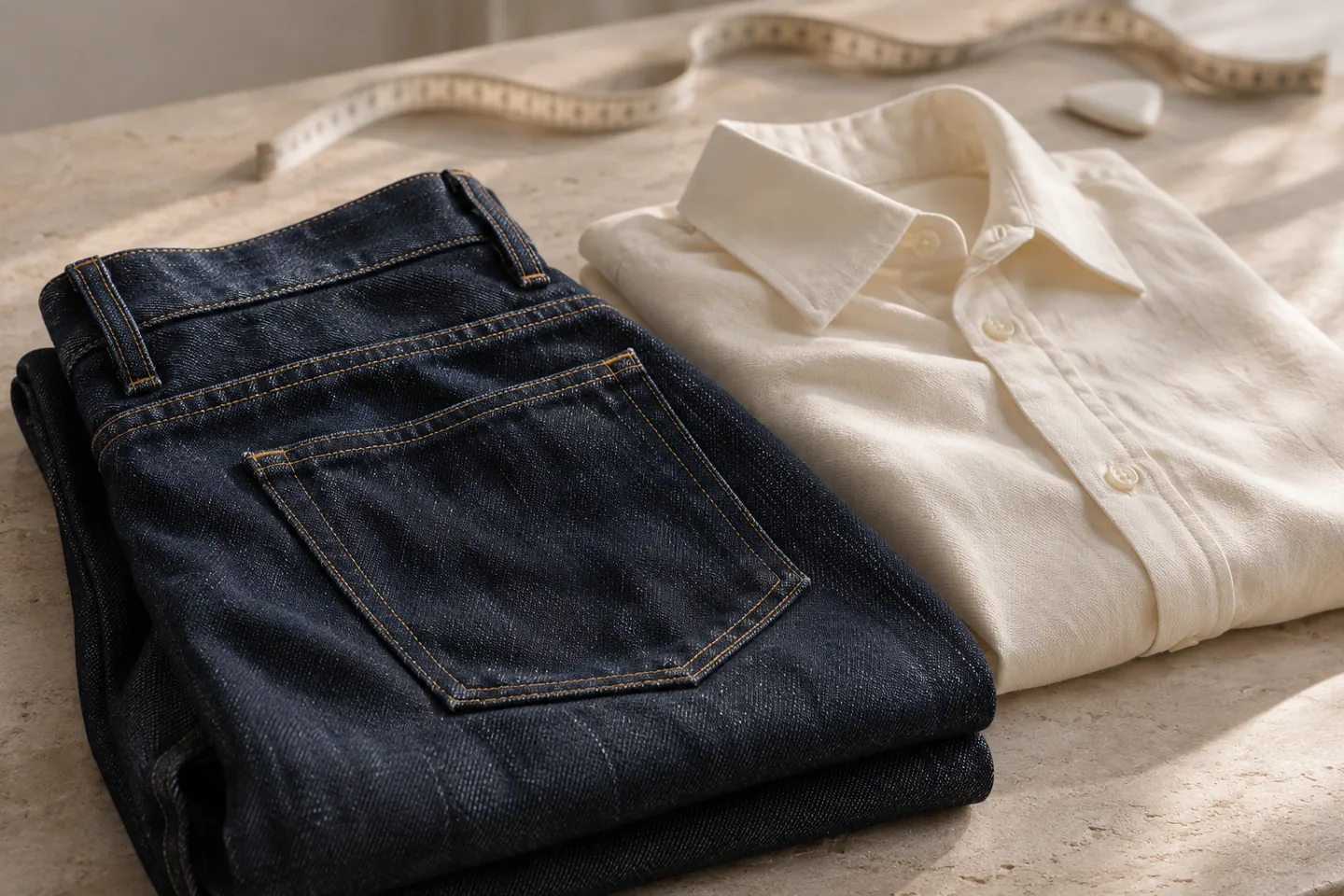
Build an outfit and swap pieces
Shoppers can combine trousers, a shirt, shoes and accessories. Selecting a dress can replace separate top and bottom choices. Merchandising teams can also publish editable starter looks for work, weekends or special occasions.
Recommendations can use colour, occasion, season and price rules. Swapping one piece keeps the other selections. If a shoe is unavailable in the chosen size, the builder can suggest in-stock alternatives at a similar price and in a similar style.
- Outfit board. Add and remove pieces, select colours and sizes, and see the total update.
- Save and share. Reopen a look later, share a link and see current availability.
- Merchandising rules. Choose eligible categories, product tags and offers for each outfit.
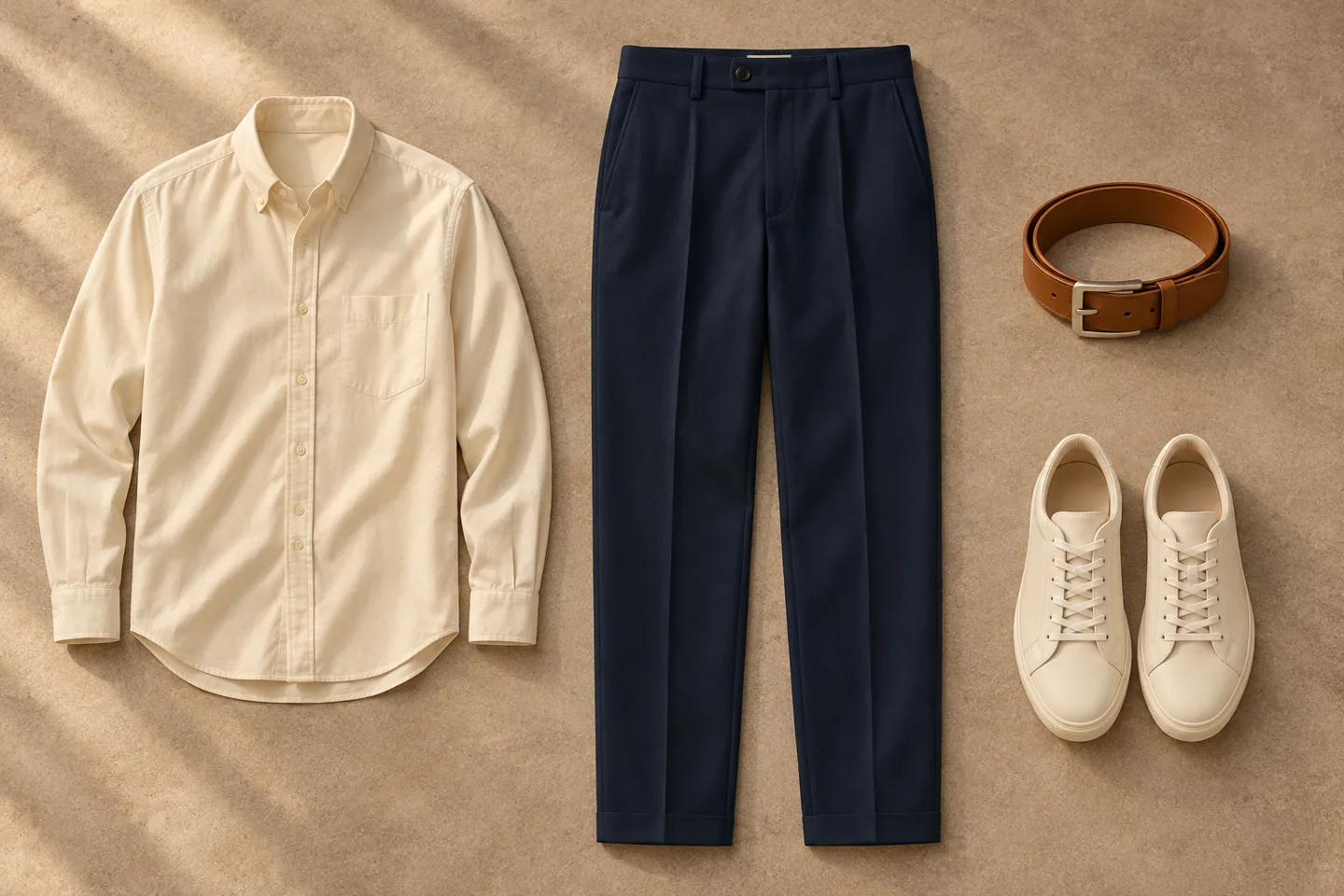
Preview an outfit on a model with AI
A shopper can see a representative image of selected trousers, a shirt, a dress or shoes on a suitable catalogue model. The preview uses product photos for the selected colour. Multi-piece looks are available for garment categories and combinations supported by the chosen service and verified during testing.
Retailers can prepare popular looks in advance. During generation for a custom selection, product photos remain available. The flow can fall back to those photos if a pattern, colour or detail cannot be represented reliably.
Label the generated image as a style preview. Keep fit recommendations, garment measurements and size charts visible for sizing decisions. An initial release can use catalogue model imagery that the retailer has permission to use.
- Tie previews to real products. Link images to the selected SKUs, colour variants and catalogue photos.
- Quality checks. Review colours, patterns, cuts and layering with representative products.
- Performance and fallback. Cache common looks, show generation progress and retain product photography for unsupported choices.

Add the whole outfit to the basket
An “Add outfit to basket” action adds every piece in its selected colour and size. Items remain separate lines so shoppers can remove the shirt, change the trouser size or purchase one piece later.
Availability and price are rechecked before payment. If a piece sells out, the shopper can pick an alternative or continue with the rest. Outfit discounts, per-item discount allocation and partial refunds can follow the same pricing rules.
- Single checkout. Buy the outfit in one payment while recording stock movements for each item.
- Clear pricing. Show item prices, applicable outfit discounts and the total.
- Item-level fulfilment. Manage split shipments, size exchanges and partial returns within the same order.
Inventory, stores and marketplaces
Match stock across stores, warehouses and marketplaces by colour and size. Available stock can reflect physical units, reserved orders and allocations by sales channel. Release the reservation when payment does not complete.
Decide where product and inventory information is maintained. For click and collect or ship from store, show the relevant location and fulfilment options. Track sync errors and retry safely without duplicating orders.
- Channel management. ERP and marketplace variant mapping, location inventory and availability rules.
- Collections and seasons. Schedule launches, support pre-orders and report sales by size and colour.
- Fulfilment and payments. Shipment tracking, payment verification, invoicing and click and collect.
Size exchanges, returns and shopping experience
Let shoppers select the item to exchange and request another size. If stock is available, start reservation and shipment. Capture reasons such as a tight fit, short leg or unexpected colour to help the catalogue team identify what needs updating.
On mobile, keep colour, size, availability and total price easy to find. Guest checkout and fast filtering let customers complete a purchase without creating an account.
- Self-service. Order tracking, exchange requests and return status.
- Merchandising content. Collection pages, shoppable lookbooks and product fit notes.
- Measurement. Track size-chart use, fit searches, outfit additions to the basket and fit-related returns.
Discover needs early and scope the first release
During discovery, we review catalogue data, mobile shopping, customer support questions, missed sales due to stock and exchange reasons. Frequent size exchanges point to garment measurements and fit rules. When shoppers regularly ask for help putting together a look, outfit building and one-step purchasing may be a better early priority.
We test scope with real scenarios such as changing a trouser size, replacing a sold-out shoe and returning just the shirt from an outfit. We agree measurable objectives for the first release. AI previews can start as a pilot on products with suitable photos and reliable variant data.